
ViaCAD® 17 · SharkCAD® 17 · Windows & Mac
CAD that packs a punch.
Sketch it flat, switch to 3D, render it and send it to the printer, all in one app on the ACIS® solid kernel. Buy it once and it's yours, from $129.99.
- Licence
- Own it, or term
- Talks to
- DWG, STEP, STL, 3MF
- Languages
- EN · FR · DE
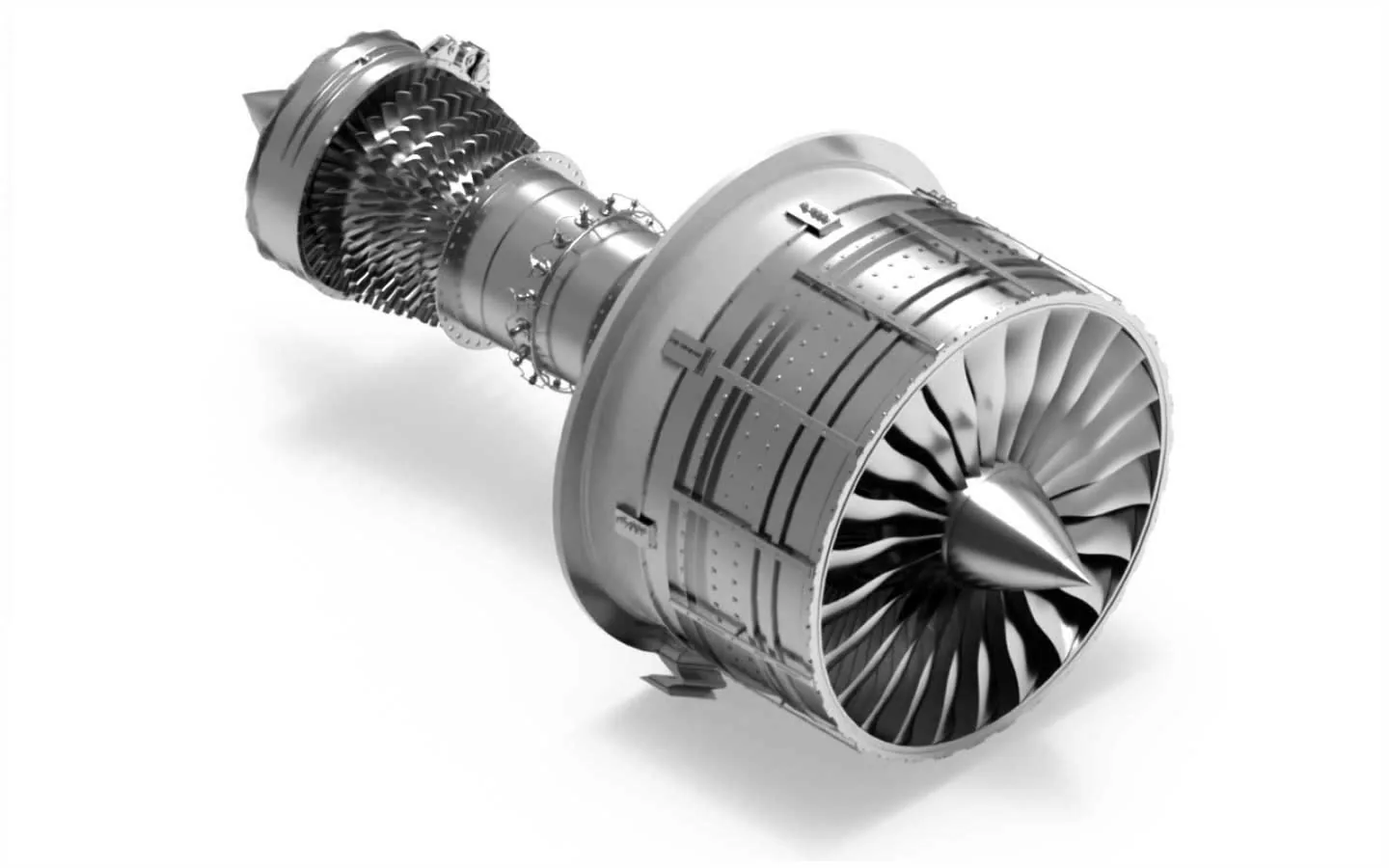
One engine, five editions
Start where you are. Step up when you need to.
ViaCAD and SharkCAD share the same kernel, interface and files. Each edition adds tools on top of the one before, so upgrading never means starting over.
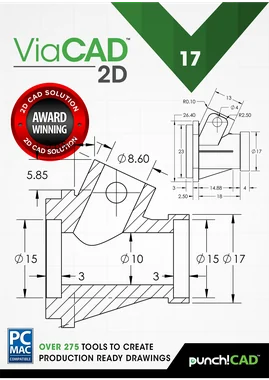
ViaCAD 17 2D
Ideal for beginners focusing on 2D design.
- 275+ drawing tools, 26 dimension types
- DWG & DXF in and out
- Walls, doors and windows
- BOM, cut lists and 2D constraints
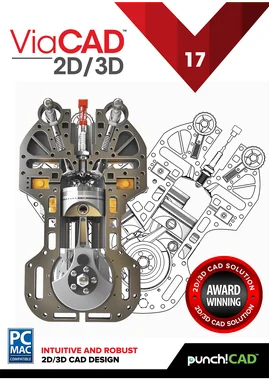
ViaCAD 17 2D/3D
A versatile toolkit for diverse design needs.
- Everything in 2D
- ACIS solids, surfaces and SubD mesh
- The 3D-printing suite
- Roofs, slabs and Make 3D
- Rendering and animation basics

ViaCAD 17 Pro
Our premier ViaCAD package.
- Everything in 2D/3D
- History tree and GD&T
- Advanced surfacing and wrap
- Woodworking joint tools
- Photoreal PBR rendering
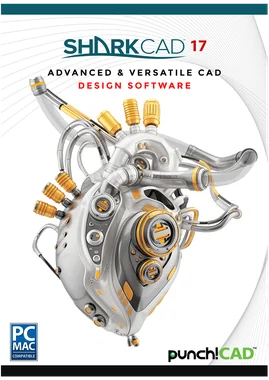
SharkCAD 17
Made for expert users.
- Everything in ViaCAD Pro
- PowerPack built in: 70+ tools
- Precise 3D-to-2D drawings
- Sheet metal tools
- XREF file referencing

SharkCAD 17 Pro
Advanced tools for engineering and design professionals.
- Everything in SharkCAD
- G2 blends, lofts and skins with guides
- Clash detection
- SolidWorks, Inventor, NX, CATIA files
- Area, strip and dome lights
Windows and Mac are separate licences at the same price. Pick your platform on the product page.Compare every featureUpgrade prices
What it does
Draft. Model. Render. Print.
Build.
Chips show the first edition that includes each toolset. Everything above it includes it too.
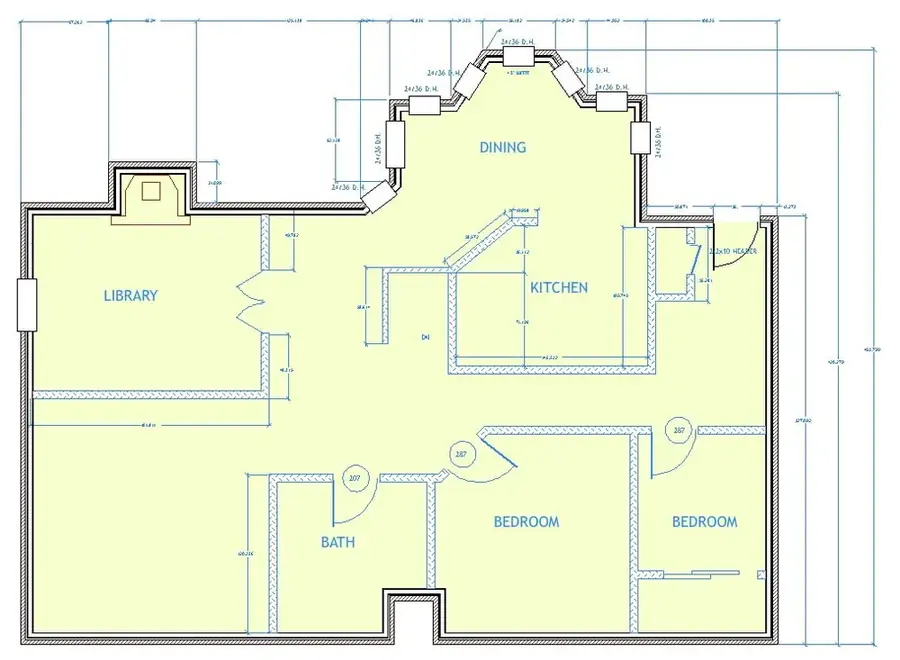
Draft
All editions250+ drafting tools, 26 dimension types, 2D constraints, bills of materials and cut lists. Current AutoCAD® DWG and DXF in and out, plus walls, doors and windows for floor plans.
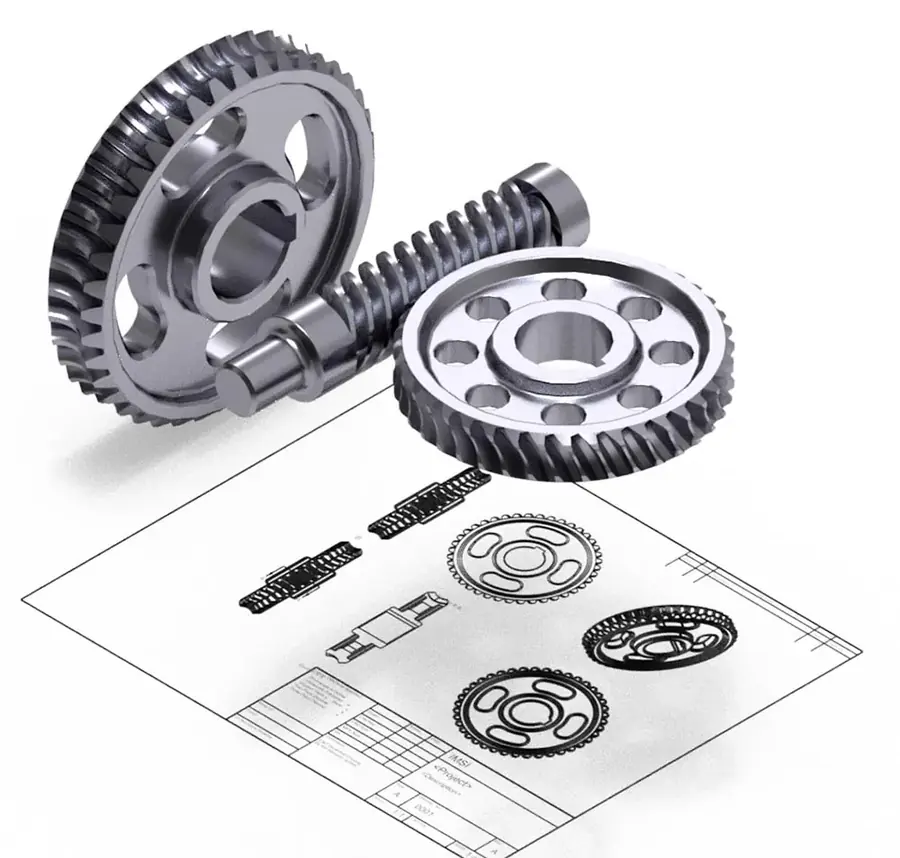
Model
2D/3D and upACIS® solids, NURBS surfaces and subdivision mesh in one file. Push-pull, shell, blend and chamfer, then flip back to 2D and generate the drawing views.
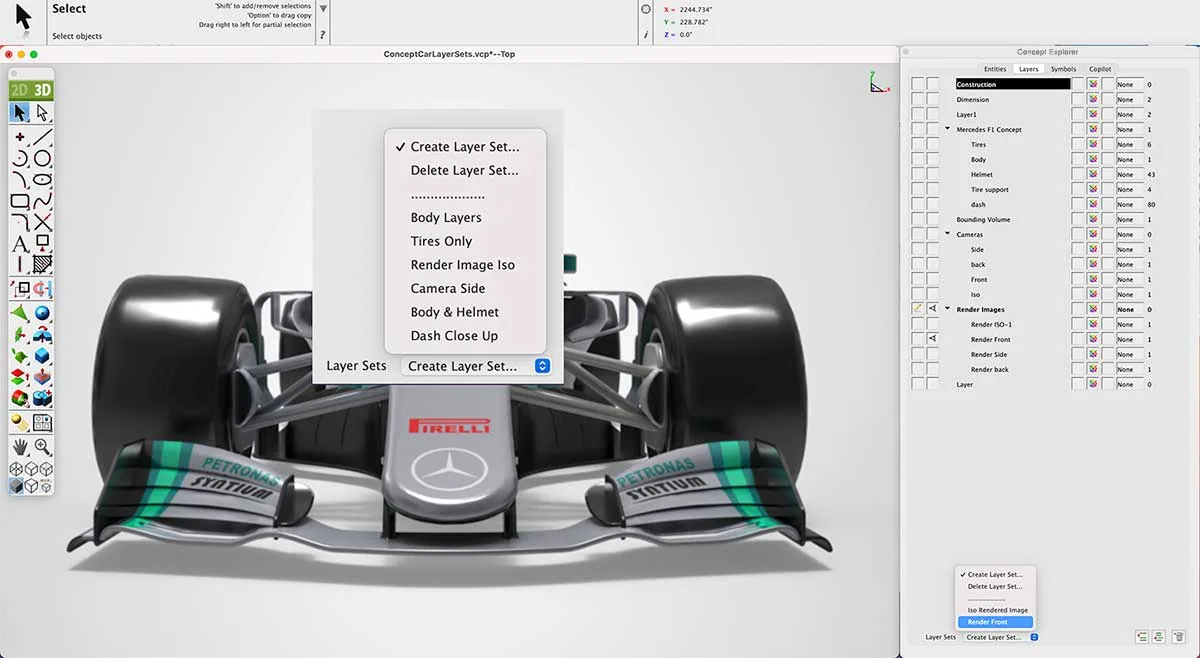
Render
Photoreal in ProPhysically based rendering, HDRI lighting, ray-traced shadows and a material and decal library, with KeyShot® LiveLinking. 2D/3D includes basic rendering.
Check a model is printable before you waste filament, then export STL or 3MF. PowerPack's Mesh-to-Solid turns downloaded meshes back into editable solids.
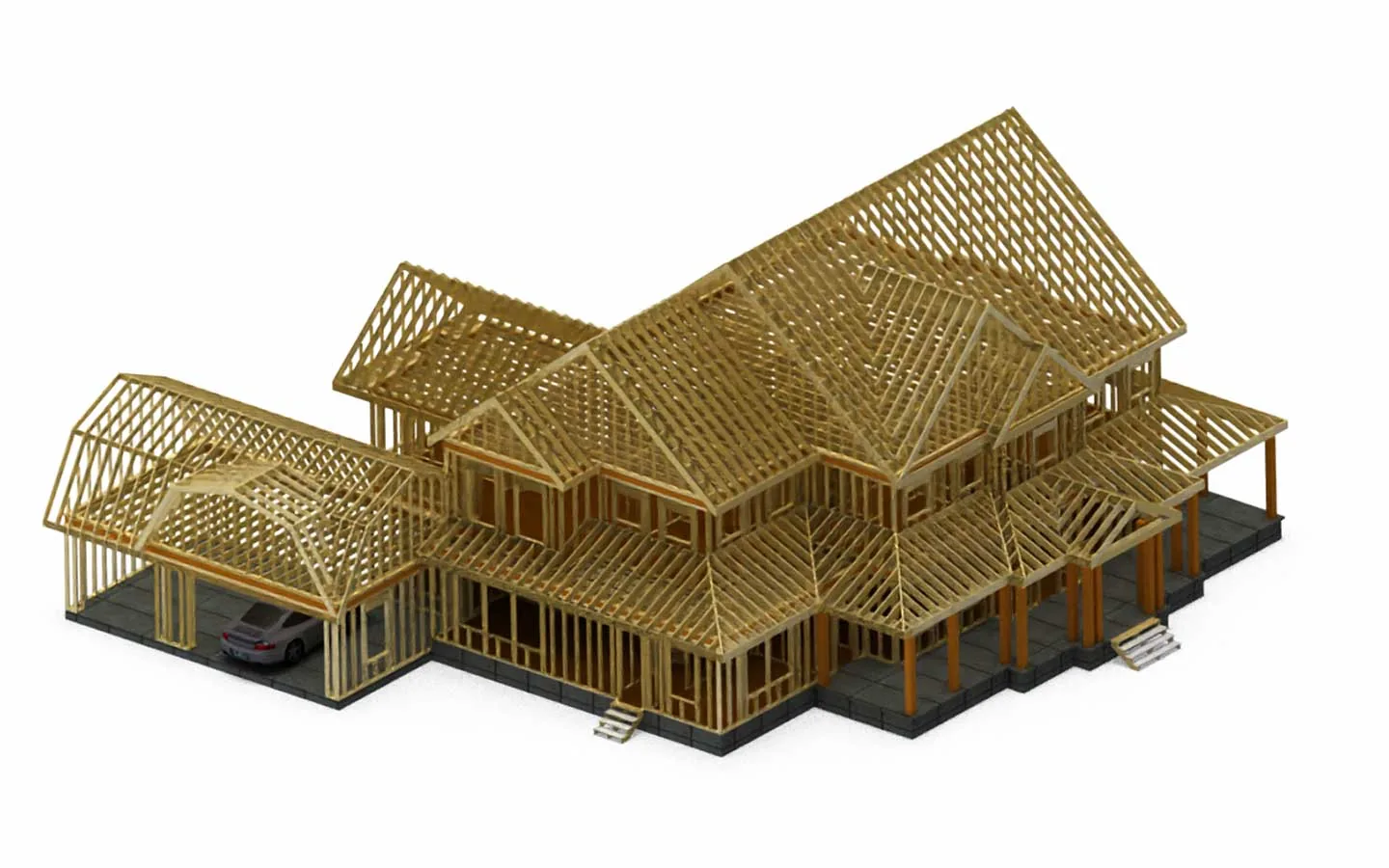
Build
Joints in ProParametric rabbet, miter, dovetail, dado and tongue-and-groove joints, edge treatments, and cut lists straight from the model. Walls, roofs and floor slabs go 3D in one click.
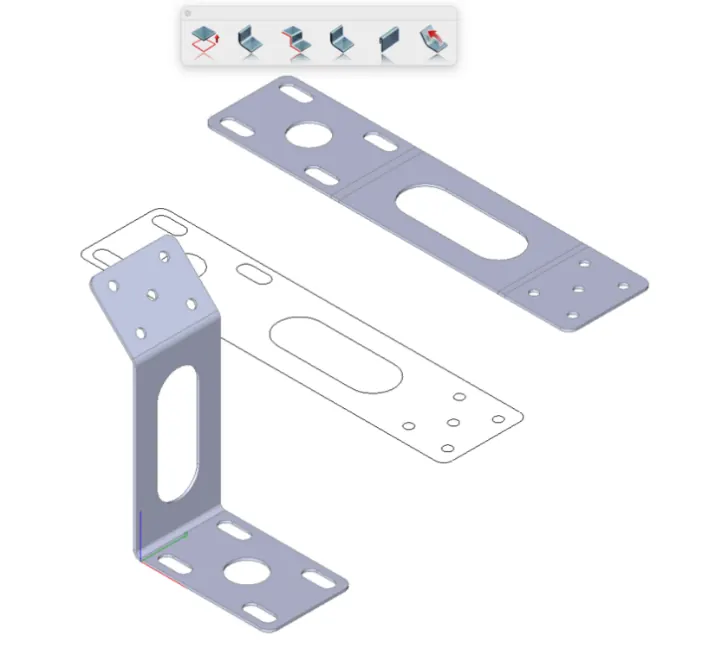
Make
SharkCADSheet metal flanges, hems and unbend, precise 3D-to-2D production drawings and lightweight XREFs for big assemblies. SharkCAD Pro adds clash detection.
New in version 17
Copilot Render: from line drawing to presentation.
Describe the look you want in plain words and Copilot renders a concept over your drawing without touching the geometry. Try several looks, then present the best one.

 ⇆
Your drawingCopilot Render
⇆
Your drawingCopilot Render
prompt › Render my drawing of a 2D cutaway section piston using photorealistic materials and lighting. Do not render a 3D model, keep this as a 2D cross section.
style › Photo Rendered
- Copilot Part FinderCopilot ProSearch 770,000+ ANSI, ISO and DIN parts in plain words:
ISO 4017 M6x20 hex bolts. - Skin Solid with Center LinePro and upSweep closed profiles along a centreline for pipes, rails and housings.
- BOM NotesAll editionsMaterials, function and requirements on every part, and Copilot reads them as context.
- Lightweight XREFsSharkCADReference big assemblies at up to 10× less memory; attach a whole folder of parts.
- Fresh interfaceAll editionsScalable SVG icons, a reworked dark mode, and new wood, carbon-fibre and studio backgrounds.
Plays nice with others
Open the file they sent you.
Current DWG and DXF in and out on every edition, STEP from ViaCAD Pro up, and native readers for the big MCAD packages in SharkCAD Pro.

Also EPS, Illustrator, TurboCAD and images. Imports DAE, PLY and PSD; exports 3D PDF.
Own it, or rent it cheaper
Three years of CAD, priced side by side.
Autodesk sells AutoCAD and AutoCAD LT only by subscription. SharkCAD 17 Pro and ViaCAD 17 2D you can buy outright, or rent for a fraction of the price.
Three-year cost in US dollars, all bars on one scale. ViaCAD and SharkCAD are punchcad.com list prices. AutoCAD® 2026 and AutoCAD LT® 2026 are Autodesk's published subscription prices as of September 2026. Autodesk, AutoCAD and AutoCAD LT are trademarks of Autodesk, Inc.
From @punchcad on Instagram
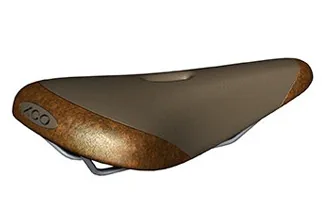
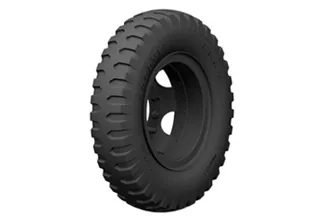
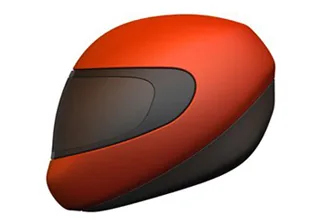
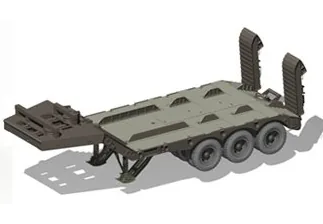
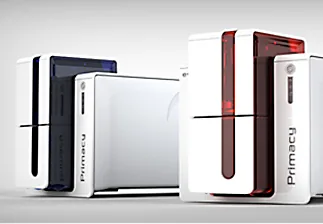
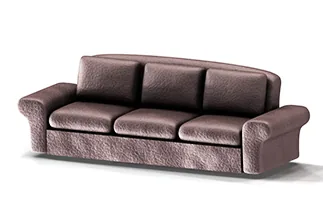
Saddles, tyres, trailers, sofas.


Upgrade
Already own ViaCAD or SharkCAD?
Any version from the last five years upgrades to 17 at a discount, and moving up an edition counts too.
| You own | Move to | Price |
|---|---|---|
| ViaCAD 16 Pro | → ViaCAD 17 Pro | $199.99 |
| ViaCAD 2D/3D, any from 5 yrs | → ViaCAD 17 2D/3D | $139.99 |
| ViaCAD 2D, any from 5 yrs | → ViaCAD 17 2D | $69.99 |
| ViaCAD Pro, any from 5 yrs | → SharkCAD 17 | $649.99 |
| SharkCAD 16 Pro | → SharkCAD 17 Pro | $659.99 |
For firms & classrooms
If you run an engineering or design firm that needs multiple user seats for your team, we are your new best friend.
I designed my own product line with ViaCAD Pro 10. I have zero complaints… Their support is top notch. The price is highly affordable for the features.
Jon, Seattle, WA · ViaCAD Pro customer
“The software was amazing! It exceeded my expectations… your software was the only one we found to do such a complete job.”
George Root, Port Coquitlam, BC · PDF2CAD
Punch! Software has made CAD and home design tools for over 25 years.
Learn it fast
15 hours of tutorials come with every 3D edition.

Third edition eBook
400+ tips from the engineer who built it
Timothy D. Olson, punch!CAD's creator, covers the interface, 2D drafting, 3D modelling, data sharing, PowerPack and Copilot. The third edition adds 140 new tips and new videos.
$49.99
Version 17 videos
From the blog