Blog

The punch!CAD blog

Tips, tutorials, customer stories and release news for ViaCAD and SharkCAD.

Copilot Render: Intelligent Rendering for CAD Models

Copilot Render streamlines the design workflow by transforming CAD models into high-quality conceptual visuals within moments. Using simple natural language inputs, designers can generate expressive renderings directly…


Create Accurate Arc Shaped Slots with Ease

The Arc Slot Polygon Tool allows you to create precise arc-shaped slots for adjustable mounting brackets, curved hinge mechanisms, ventilation louvers, and decorative grill patterns. This feature makes it easy to design…

Design Without Barriers: Multilingual Functionality

The Multilingual feature lets you choose your preferred interface language English, French, or German for a smoother and more intuitive design experience. It removes language barriers, ensuring you can focus on…

Batch Export One File Per Part

This feature streamlines the process of exporting individual components from complex assemblies, allowing users to save time and enhance overall workflow efficiency.

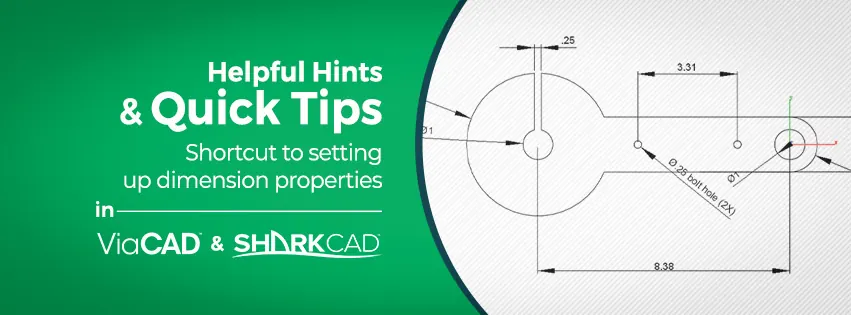
Helpful Hints & Quick Tips The Lathe Tool

With ViaCAD® & SharkCAD® you can create some pretty complex parts with the 3D modeling tools. The Lathe Tool is a unique tool in that it allows you to make symmetric cylindrical parts with just a few clicks.

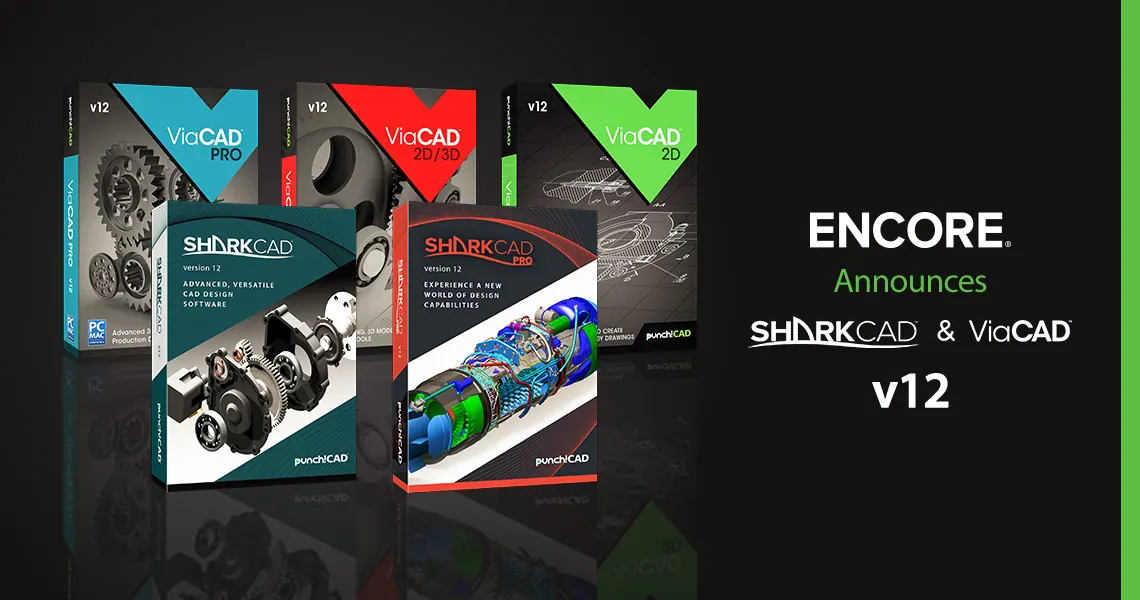
ENCORE SOFTWARE Announces SharkCAD® & ViaCAD® v12

Complete product line releases include five Upgraded Versions for both the PC and the Mac with new and improved 2D Drafting and 3D Modeling Tools, Visualization Enhancements, and expanded Interoperability

The Story of ‘CHICAGO’ by Paul Elia

My name is Paul Elia and I am a sculptor living in Toronto. I attended the OCAD University where I was taught an earlier version of ViaCad. It was ViaCAD’s founder Tim Olson’s and PunchCad’s background in aerospace…

News from the Developer

Product News, Updates and Tips from the Developer ViaCAD/SharkCAD Service Packs: The development team has been working on rolling out service packs for ViaCAD and Shark. The English language updates for ViaCAD 2D,…

Getting Started With ViaCAD- -Training Videos

One of the best ways to get up to speed with ViaCAD is to check out the training videos that are included with the product. For example, ViaCAD includes over 90 minutes of video training free with the product! In this…

7 Practical Uses for Computer Aided Design Software

CAD software is often associated with technical disciplines like engineering and architecture. These days, however, CAD software programs are available for affordable, consumer friendly pricing – so you don’t have to be…

Loading...
Back to top