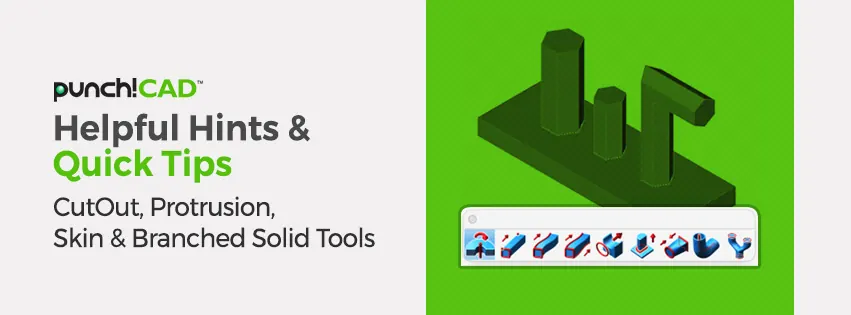
In our last three blog posts, we have discussed the Lathe tool, the Piping tool and the three, main Extrude Solid tools. In today's blog, we will talk about the four remaining tools on the Solid from Curves tool palette offered in ViaCAD® & SharkCAD®
These four tools will further assist in transforming your 2D profiles into solid 3D models. Much like the previous Solid from Curve tools, each of these four tools have options for controlling height, direction, and shape of your extrusions.
In this week's video blog, we will discuss using the tools to cut out profiles from your solids, add protrusion to an existing solid and using multiple profiles to create different 3D solid objects.