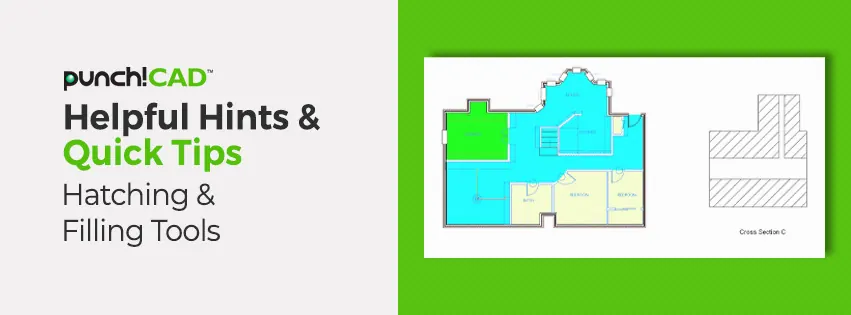
ViaCAD® & SharkCAD® products offer both Hatching and Filling Tools. A Hatch is simply a pattern of line work that can be used to designate a specific type of material or show a cross section. A Fill, on the other hand, is simply a color filling a specific area of your drawing. Fill can also include different patterns.
In this week's video blog, I will demonstrate how to use the Hatch and Fill tools on both Single Line and Smart Polygons, as the steps are different.