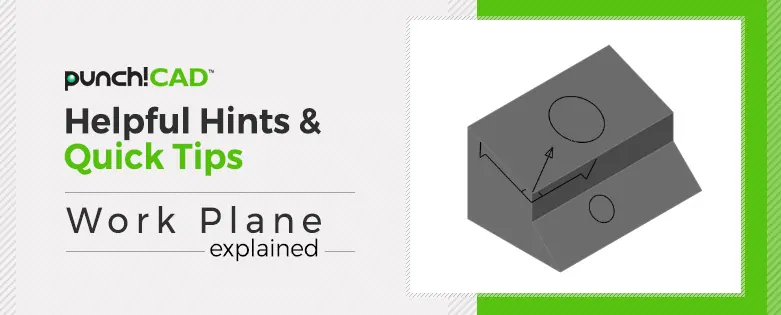
A work plane is the invisible plane that all your design work starts on. Your 2D line work sits on a work plane, and your 3D models typically are developed starting on and moving out from a work plane.
Custom work planes will allow you to work on surfaces that are not square to the typical top, front or side views.
In this week's video blog, I will discuss the WorkPlane pull down menu and how you can control the planes you are working with. Including both the default and custom planes.