Show/Hide Face
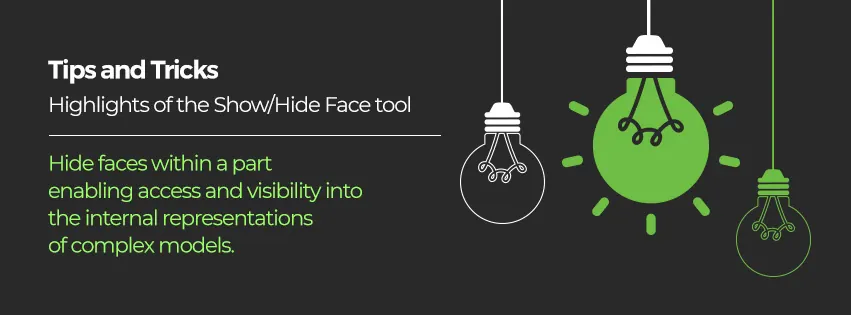
The Show/Hide Face tool will hide faces within a part enabling access and visibility into the internal representations of complex models.
Hide Face:
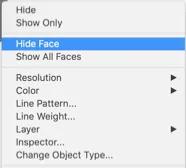
Right-clicking over a face displays a menu of options including the Hide Face. Selecting Hide face will turn off the display list of that particular face.
Show Face:
Right-clicking over a face displays a menu including the Show Face. Selecting Show Face will turn off the display list of that particular face.
Regenerating a part will reshow hidden faces. Likewise, the show/hide status is not preserved on saving a file. This is a temporary status.
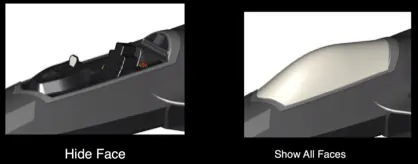
Watch the video to learn and see the application of the Show/Hide Face Tool!!