Explore alternatives faster
Test variations in mood, finish, setting, and supporting geometry by changing the prompt instead of rebuilding the model from scratch.
PunchCAD 17
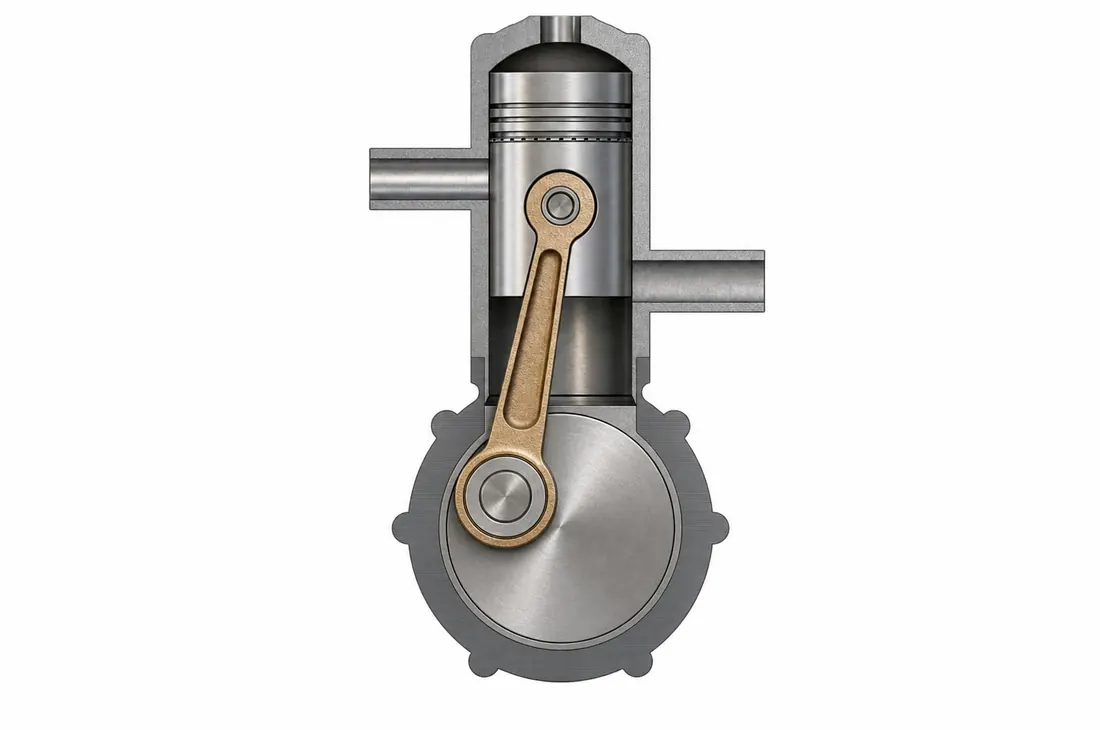
Copilot Render creates conceptual renderings of your CAD drawings using natural language prompts. Specify style, lighting, materials, or environment to generate enhanced visuals over your existing drawing, then explore alternatives by adding, removing, or modifying design elements.
Copilot Render helps teams move from technical geometry to persuasive visual storytelling earlier in the design cycle. It is ideal for design reviews, concept exploration, stakeholder communication, and faster presentation prep without rebuilding assets in a separate rendering tool.
Test variations in mood, finish, setting, and supporting geometry by changing the prompt instead of rebuilding the model from scratch.
Overlay enhanced visuals on the source drawing so reviewers can read the original design while seeing a richer concept direction.
Generate polished concept imagery for internal reviews, client feedback, and pitch materials long before final production rendering.
Drag each slider to compare the original CAD output with the Copilot Render result. The gallery opens with 2D drawing examples, led by the four-view drawing conversion, then continues into 3D model concept renders.
Converts a technical four-view drawing into a polished concept visualization while keeping the original 2D presentation readable.
Adds finish, lighting, and presentation depth to a flat plan while preserving the plan-first structure of the drawing.
Enhances a technical section drawing with realistic material cues while explicitly keeping the result as a 2D cross section.
Transforms a flat architectural drawing into a more tangible space planning concept while preserving the underlying layout.
Provides a more approachable architectural concept view for homeowner discussions and rapid design iteration.
Uses reference-driven styling to push a jewelry concept toward a more polished and directional visual narrative.
Turns a furniture drawing into a warmer, more marketable product visualization that better communicates craftsmanship and finish.
Quickly upgrades a line-based vehicle concept into a more cinematic visual for early design discussion and buy-in.
Illustrates how style and lighting cues can elevate a model into a more compelling automotive presentation image.
Enhances an industrial form study with richer lighting and atmosphere to better surface proportion and intent.
Shows how Copilot Render can move beyond realism into stylized communication graphics for sales and education.
Demonstrates how prompt-based scene building can place a design inside a broader product story for marketing exploration.
Shows a second jewelry pass to highlight how quickly teams can compare prompt and quality choices against the same base concept.
Shows how Copilot Render can turn a simple product setup into a polished tabletop scene with more refined materials, lighting, and presentation.
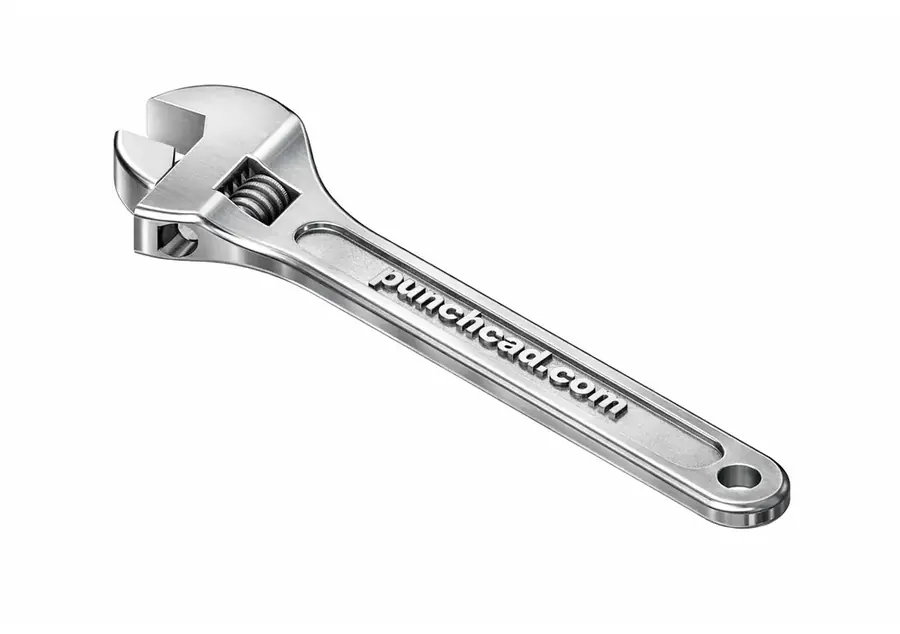
The same PunchCAD wrench model can be rendered in multiple visual styles, helping teams move between realistic presentation, concept exploration, technical documentation, and design communication without changing the underlying CAD model.
Realistic product lighting and materials for sales images, review decks, and finished concept presentations.
Shows the model as a 3D printed part, useful for prototype reviews and additive manufacturing discussions.
A softer concept style for early ideation, design storytelling, and presentation boards.
Communicates work-in-progress ideas with a familiar hand-drawn review look.
Creates an invention-style technical visual suited for documentation and explanatory material.
Shows a transition from visible model structure into a polished render for process-oriented presentations.
Adds wear, patina, and age cues for vintage, used, or environment-specific product studies.
Copilot Render can use additional source images to guide textures, materials, and background direction while keeping the CAD drawing as the primary subject.
Use these prompting patterns when you want more predictable Copilot Render results. A strong prompt usually names the scene, subject, materials, lighting, view, and anything that should stay unchanged.
Scene → Subject → Materials → Lighting → Camera/View → Constraints → Rendering options
Great for product, architecture, furniture, and concept visuals, especially when teams want review-ready imagery before final materials are locked.
These are conceptual visualizations. If geometric accuracy matters, say exactly what must remain unchanged.
Start with plain-language art direction first. Add bracket options only when you need a specific rendering control.
Use bracket options for quality, shape exploration, output size, source images, file comments, and input fidelity. Put style, camera, lighting, material, and preservation guidance directly in the prompt.
Define the environment up front with phrases like clean white studio, modern kitchen, factory floor, or outdoor patio so the renderer knows where the object should live.
Ask for surfaces like brushed aluminum, matte black plastic, oak veneer, or polished ceramic instead of relying on vague visual mood words alone.
Be explicit: change the material, add a studio background, use softer shadows, or make the plastic matte black. Direct requests tend to produce cleaner iterations.
Use constraints like preserve proportions, keep the same number of parts, do not change silhouette, and no labels or logos when CAD fidelity matters.
Use [source=file] for the edited image, then use [source2=file], [source3=file], or [source4=file] for material, texture, or background references.
Use low shape change when topology should stay close to the CAD view, and reserve higher values for alternate form exploration.
High-fidelity pass for a finished-looking concept image with preserved proportions and stronger material realism.
Fast iteration prompt for early review cycles where speed matters more than the final polish level.
Useful when a second or third image should influence the material finish or background treatment.
Designed for presentation or marketing-style imagery when the team needs a larger finished render.