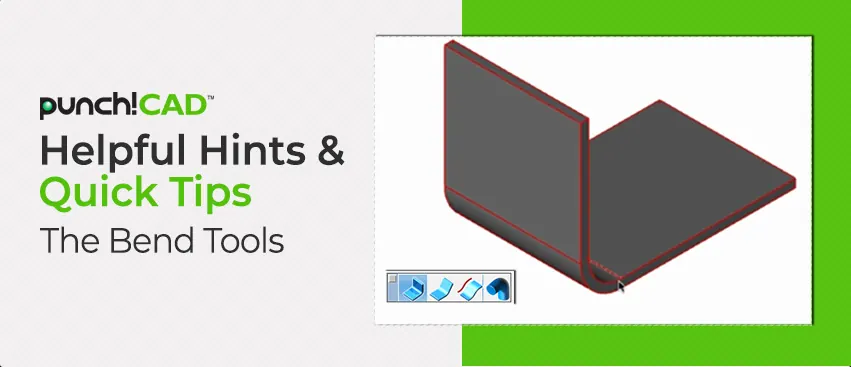
The Sheet Metal tools in the application offer a comprehensive set of features for designing and editing sheet metal parts with precision and control. These tools allow users to create intricate geometries, such as tabs, bends, flanges, and hems, while preserving material integrity and adhering to key sheet metal design
The Arc Slot Polygon Tool allows you to create precise arc-shaped slots for adjustable mounting brackets, curved hinge mechanisms, ventilation louvers, and decorative grill patterns. This feature makes it easy to design both functional and decorative elements that require smooth, curved slots.
This feature streamlines the process of exporting individual components from complex assemblies, allowing users to save time and enhance overall workflow efficiency.
The Batch Tool includes an option to export each part in a model as a separate file. With a single command, users can automatically generate individual files for every part within an assembly or project, eliminating the need for repetitive manual export steps.
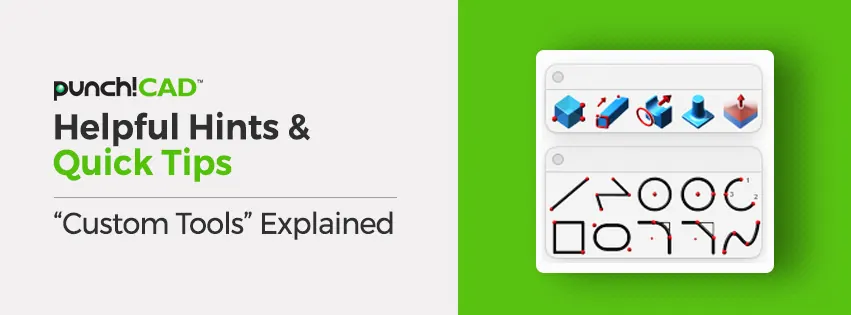
The redesigned Custom Tool Palette makes organizing your favorite tools faster and easier. With support for larger m × n icon arrays, you can create flexible layouts like 3 × 20 or 10 × 10 to match your workflow. The new, intuitive interface adapts to your working style helping you find tools quickly and keep your workspace efficient.
The Multilingual feature lets you choose your preferred interface language English, French, or German for a smoother and more intuitive design experience. It removes language barriers, ensuring you can focus on creativity and precision. By supporting multiple languages, the application empowers designers, engineers, and architects across Europe to work comfortably and productively in their own language.