Upgrades Mac Upgrade
ViaCAD 18 2D/3D upgrade
ViaCAD 18 2D/3D Upgrade for Mac — from ViaCAD 2D/3D, last 5 years
Affordable 2D/3D CAD that is powerful and easy to use.
- Instant download and licence key by email
- 30-day refund on unactivated licences
- 12 months of support included
Overview
Affordable 2D/3D CAD that is powerful and easy to use.
The power of 3D design has never been easier. ViaCAD 2D/3D is built for beginning to intermediate users — hobbyists, inventors, classrooms and 3D-printing fans — with a price-to-performance ratio that is hard to beat.
This is the ViaCAD 18 2D/3D upgrade for Mac, priced for customers upgrading from ViaCAD 2D/3D, last 5 years. You get the full current edition with 12 months of support.
Made for
- 3D-printer projects
- Invention prototypes
- Mechanical drawings
- Furniture design
- Remodeling plans
- Jewelry making
- Musical instruments
- Game assets
- Technical illustration
- Classroom & robotics club
What this edition adds
Everything in ViaCAD 18 2D, plus:
The Delete Duplicates tool detects and removes duplicate polygon geometry for cleaner models.
Converts 2D architectural drawings into 3D models.
Tools for designing pitched, flat, or complex roof structures.
Creates structural slabs with thickness and material properties.
Version 18 shares the 3D modelling kernel of the latest TurboCAD.
Primitives (cubes, cylinders, spheres) for foundational 3D modeling.
Tools for creating simple surfaces (extrude, revolve, sweep).
Combine or subtract mesh objects with Boolean operations.
Adjust individual faces of solids or surfaces.
Intuitive drag-to-edit tool for modifying 3D shapes.
Hollow out solids (shelling) or add smooth transitions (blending).
Toggle visibility of specific faces on solids/meshes.
Every feature in this edition
Compare with the other editionsPerformance2
- 64-bit Compatible
- Native on Apple silicon (Mac)
2D Drafting & Annotations12
- 26 Dimension Types
- 250+ Drafting Tools
- 2D Dimensional and Geometric Constraints
- Angular Tolerance
- Best Fit Line and Circle
- Bill of Materials
- CutList BOMs
- BOM Notes
- Conic Tools
- Duplicate Layer Command
- Save Layers with Views
- Delete Duplicates Supports PolygonsPowerPack
Advanced Drafting5
- Auto 3D to 2D (Polylines)
- Curves
- Section/Detail/Auxiliary Views
- Simplify Curve Tool
- Arc Slot Polygon Tool
AI-Assisted Features3
- Copilot ProfessionalCopilot Pro
- Copilot RenderCopilot Pro
- Copilot Mechanical Parts & CAD Content LibraryCopilot Pro
UI & Usability24
- Modernized User Interface
- Support for Dark Theme
- Welcome Screen
- Updates from inside the program
- Gripper tool – for transforming objects
- Inspector
- Customizable Tool Palettes
- Customizable Grids
- Custom tool palettes in flexible grid layouts
- Multilingual Support
- Video Tutorials15
- 3D Connexion Mouse Support
- Draw View Type - for easily scaled Prints
- Drawing Wizard
- Open Backup
- Print by Layer tool
- Print Window
- Print Large Plot Sizes
- Repeat Previous Command
- Save for Review
- Selection Tools - Lasso, Feature, Mesh
- Tool Icon Sizing
- User Guide
- Viewport Layouts
Architectural Tools6
- Doors
- Make 3D
- Roofs
- Slabs
- Walls, Multi-Walls
- Windows
3D Modeling Tools13
- ACIS® Solid Modeling Kernel
- Basic Solids
- Basic Surfaces
- Mesh Booleans
- Move Face
- Push/Pull Modeling
- Shelling, Blending
- Show/Hide Face
- Split Mesh
- Weight and Volume Tables
- Compare PartsPowerPack
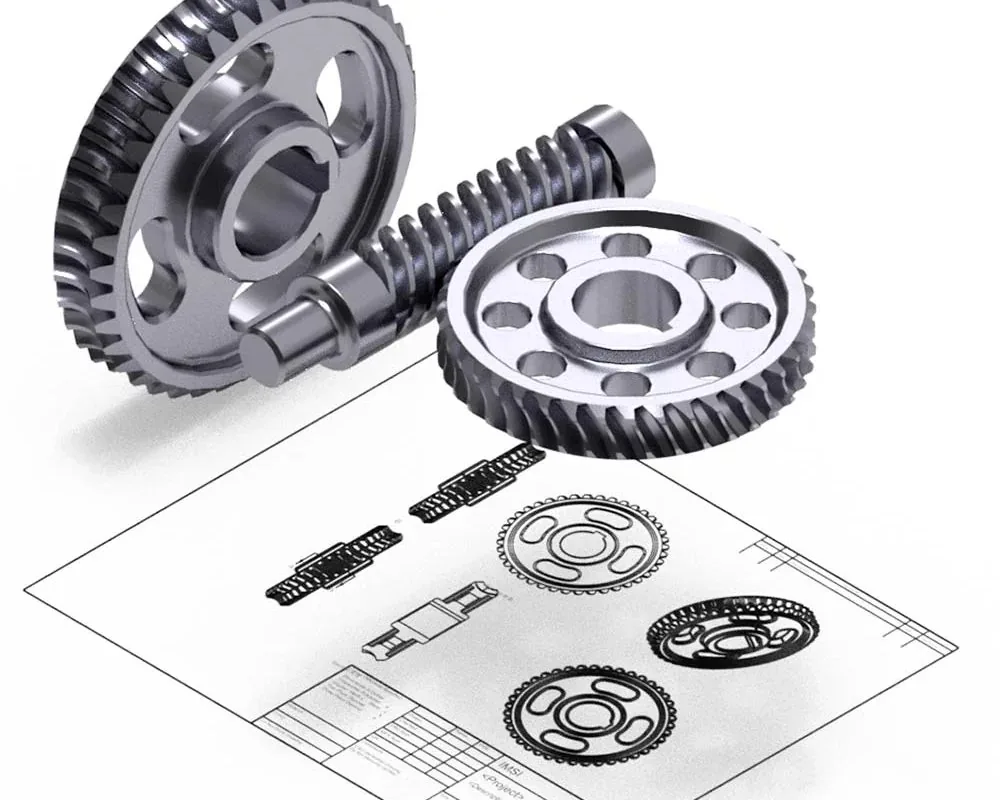
- GearPowerPack
- ExplodePowerPack
Advanced 3D Modeling23
- Add Loop Tool
- Bending Along Curve
- Bridge Tool
- Cylinder SubD Primitive
- Draft Surfaces
- Fill Hole
- Infinite Plane Objects
- Magnet Tool
- Mesh Symmetry
- MicroScribe Digitizer
- Pipe Cross Sections
- Pocket Hole for Woodworking
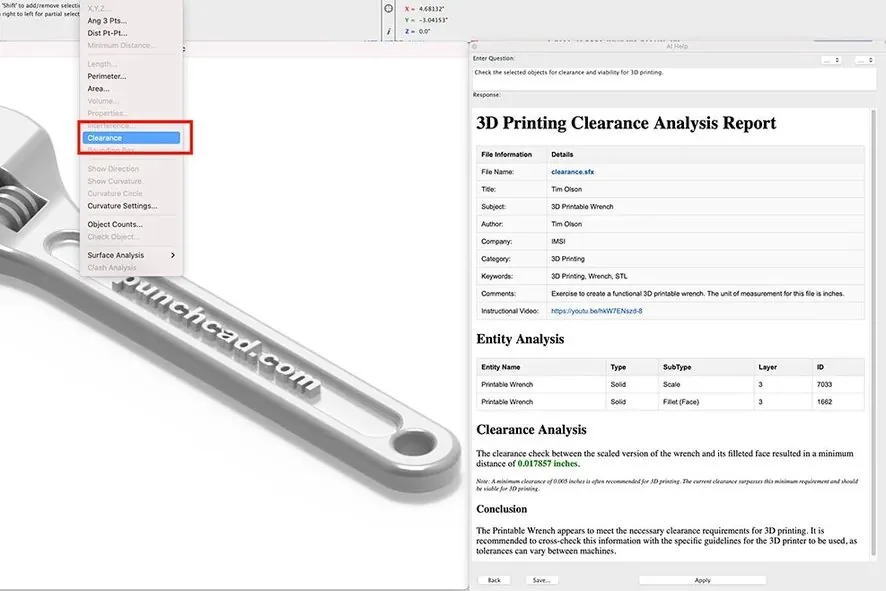
- PowerPack Design and 3D Printing ToolsPowerPack
- Quad Mesh Tools
- Repair Curves
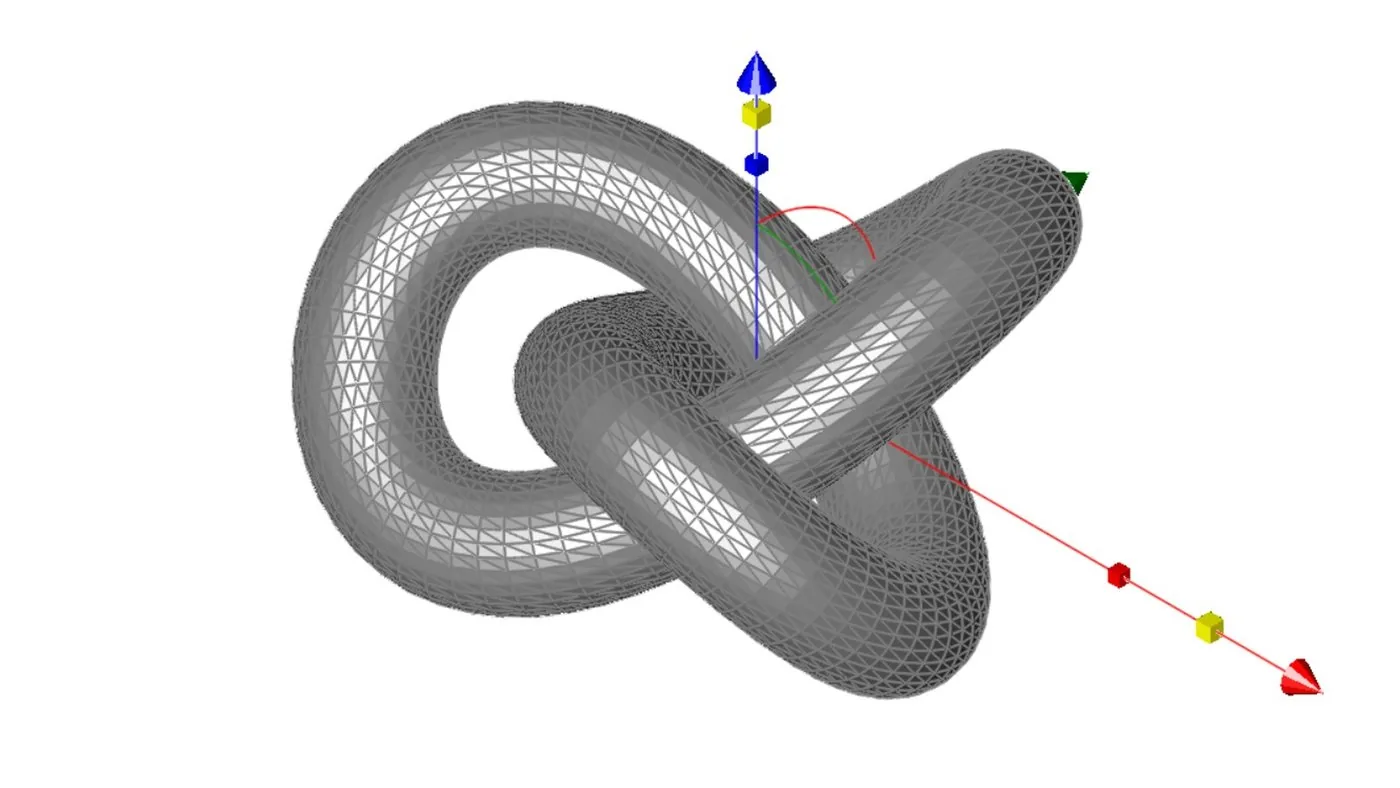
- Subdivision Tool
- Surface Booleans
- Surface Extend
- Surface Analysis
- Surface Lofting
- Surface Utilities – including Cut Section, Curved Surface and Explode Curve
- Tangent Covers
- Trim/Join Surface
Rendering, Presentation and Visualization5
- Data Display
- KeyShot Rendering Live Linking
- Wood Materials
- Carbon Fiber Textures
- Studio Backgrounds
Animation3
- Object Time Lines/Paths
- Panoramic & Object Virtual Reality
- Walk Through, Flyby
3D Printing9
- Auto Position
- Overhang Analysis
- Preview Slices
- Printer Definitions
- Sample STL files
- Show Printer Volume
- Support Structure
- Surface Normals Check
- Wall Thickness
Translators15
- 2D PDF Import
- 3D PDF Export
- 3MF Import/Export
- ACIS® R25 Kernel
- Adobe Illustrator™
- Batch File Converter
- BMP Import
- DXF/DWG (supports latest Version)
- IGES, STEP, SAT
- OBJ Import/Export - with Texture support
- Rhino™ 3D Import
- SAB Export
- SketchUp Import/Export (supports latest Version)
- STL Import/Export
- SVG Import/Export
Other Features4
- 2D/3D Part Library: 25,000
- ISO Part Library
- Multiple ViewPorts (Draw Views)
- Version 17 and 18 Side by Side
New in version 18
What’s new
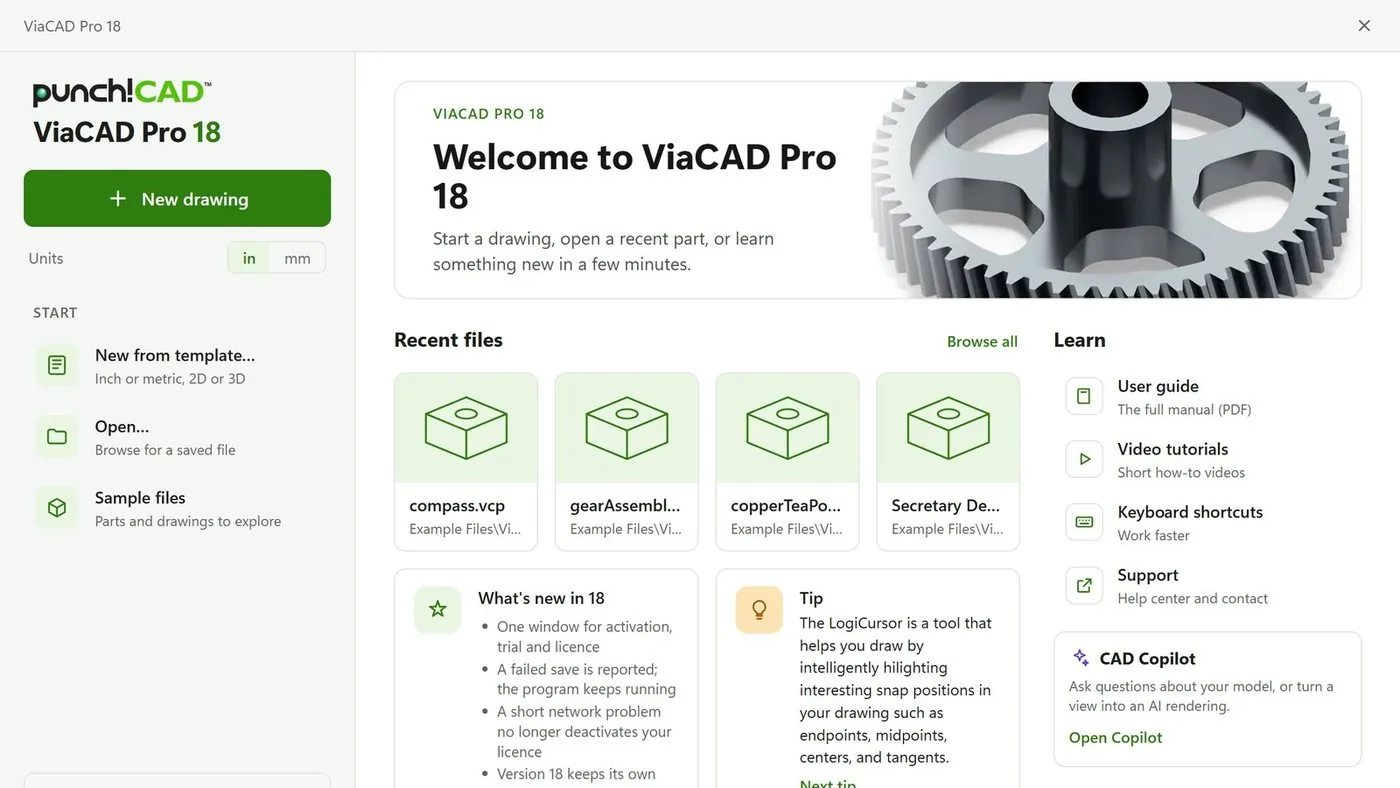
A better start
The new Welcome screen opens with a new drawing in inches or millimetres, templates, sample files, your recent files, what’s new in 18, tips and one-click links to learn more. Switch it off any time.

The engine of TurboCAD
Version 18 shares the 3D modelling kernel of the latest TurboCAD, with updated STEP and IGES, SketchUp 2024 import, and 2D and 3D PDF export.
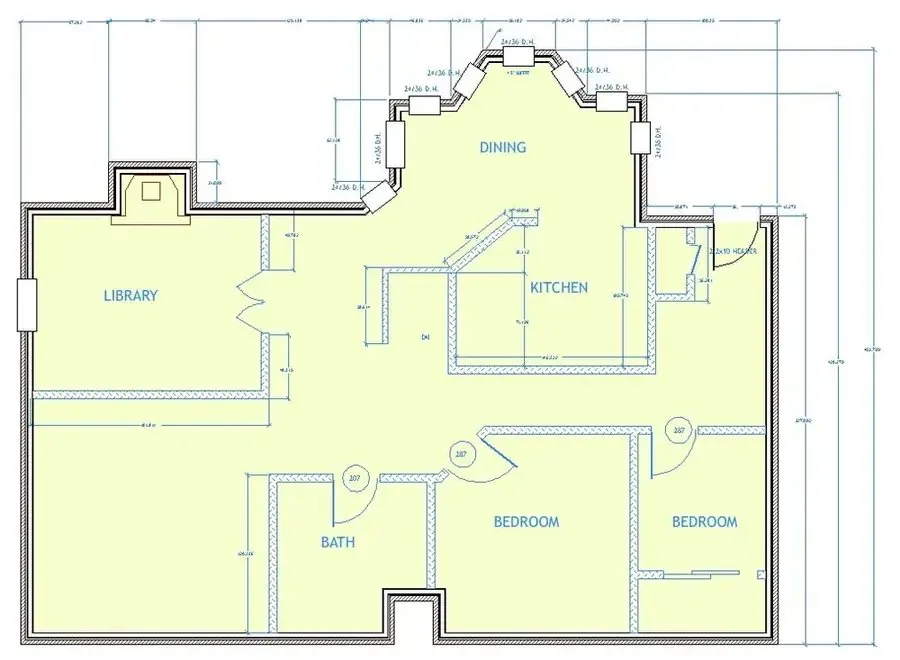
Updated DWG and DXF
Open and save DWG and DXF on the same libraries as the latest TurboCAD. Drawings with text, dimensions and styles open as drawn, you choose the version you save, from R12 to R2018, and accented and non-Latin text comes through intact.

Updated LuxCore rendering
Photoreal rendering runs on an updated LuxCore render engine: physically based light, materials and shadows for presentation images of your designs.

Works in your language
The complete interface in English, German and French on Windows and Mac, and in Polish on Windows. Help and the user guide come in English, German and French.
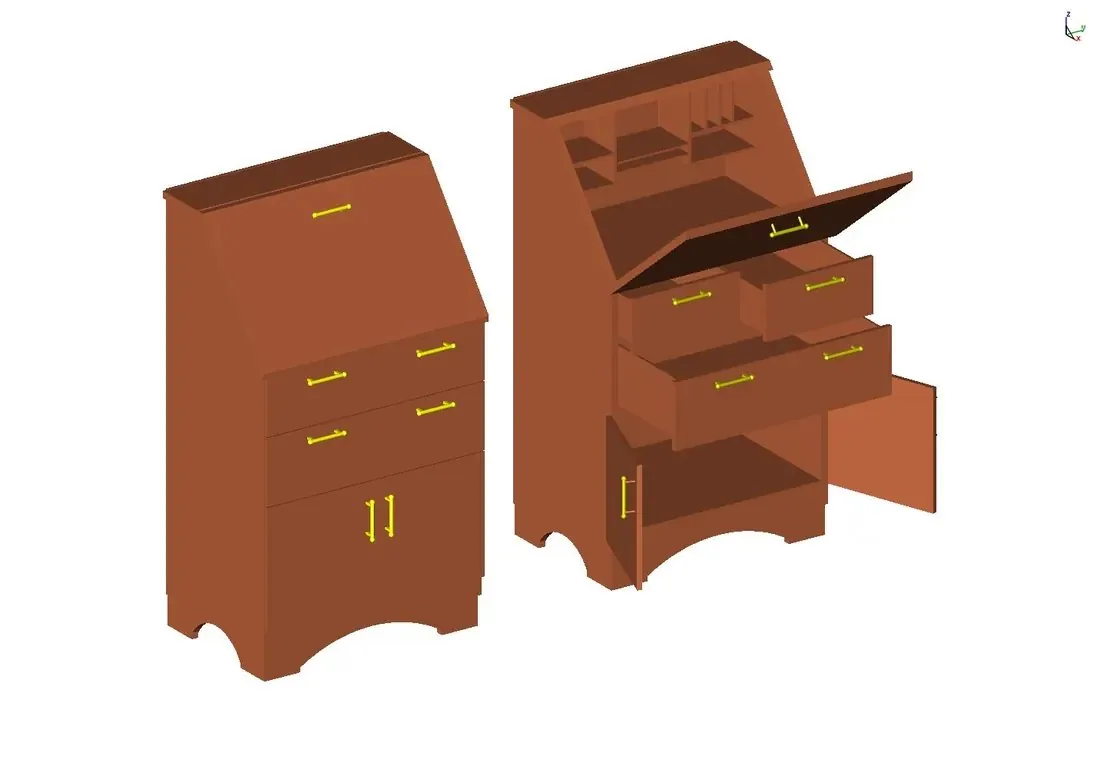
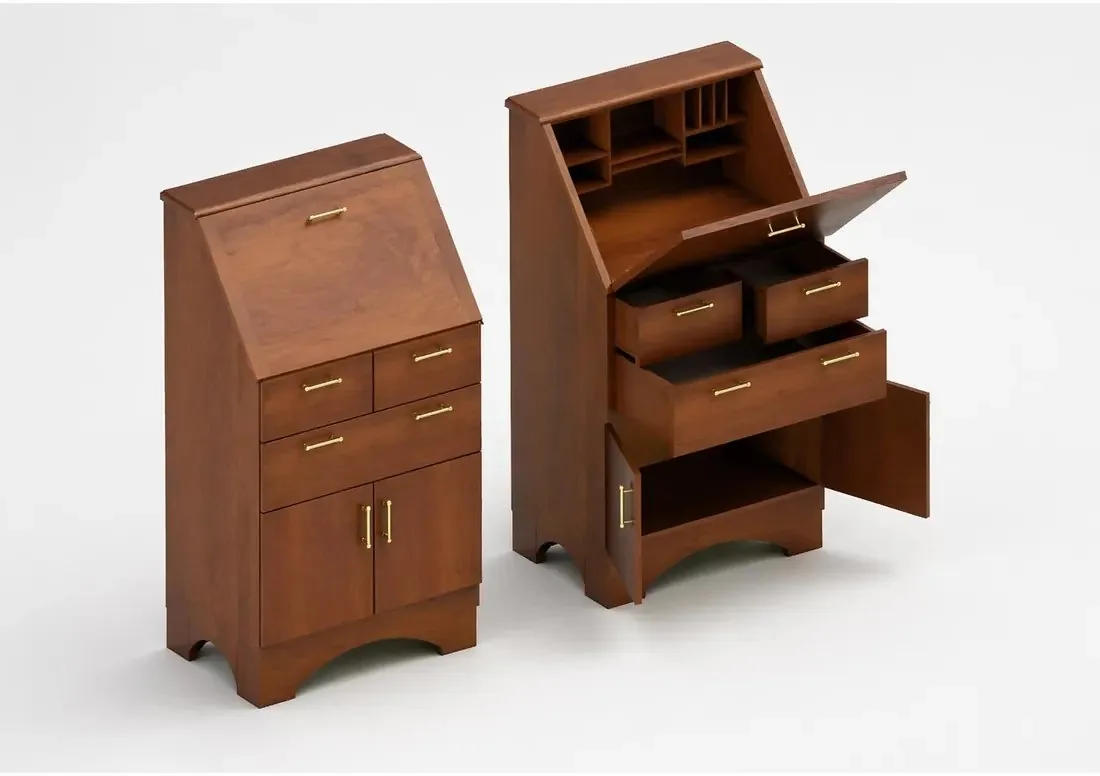
CAD Copilot, when you want it
Ask how to use a tool and get the steps. With Copilot Professional, render any view with AI and find standard parts over a secure connection. Copilot Professional is an add-on, sold separately.
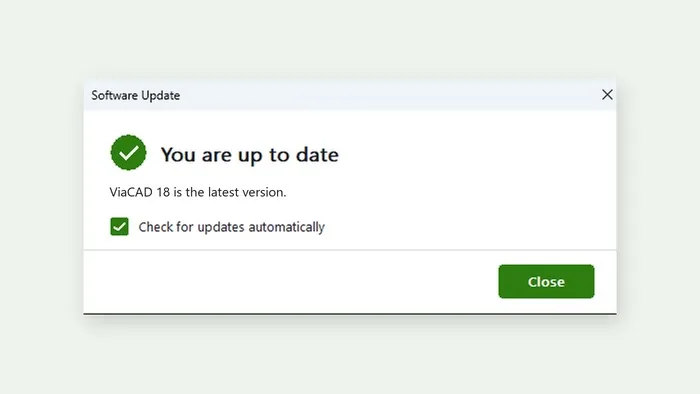
Updates from inside the program
ViaCAD and SharkCAD check for updates on their own and tell you when a new version is ready, with what is new in it. Every update is signed and checked before it installs, your drawings and settings are kept, and on Windows a failed install puts your current version back.
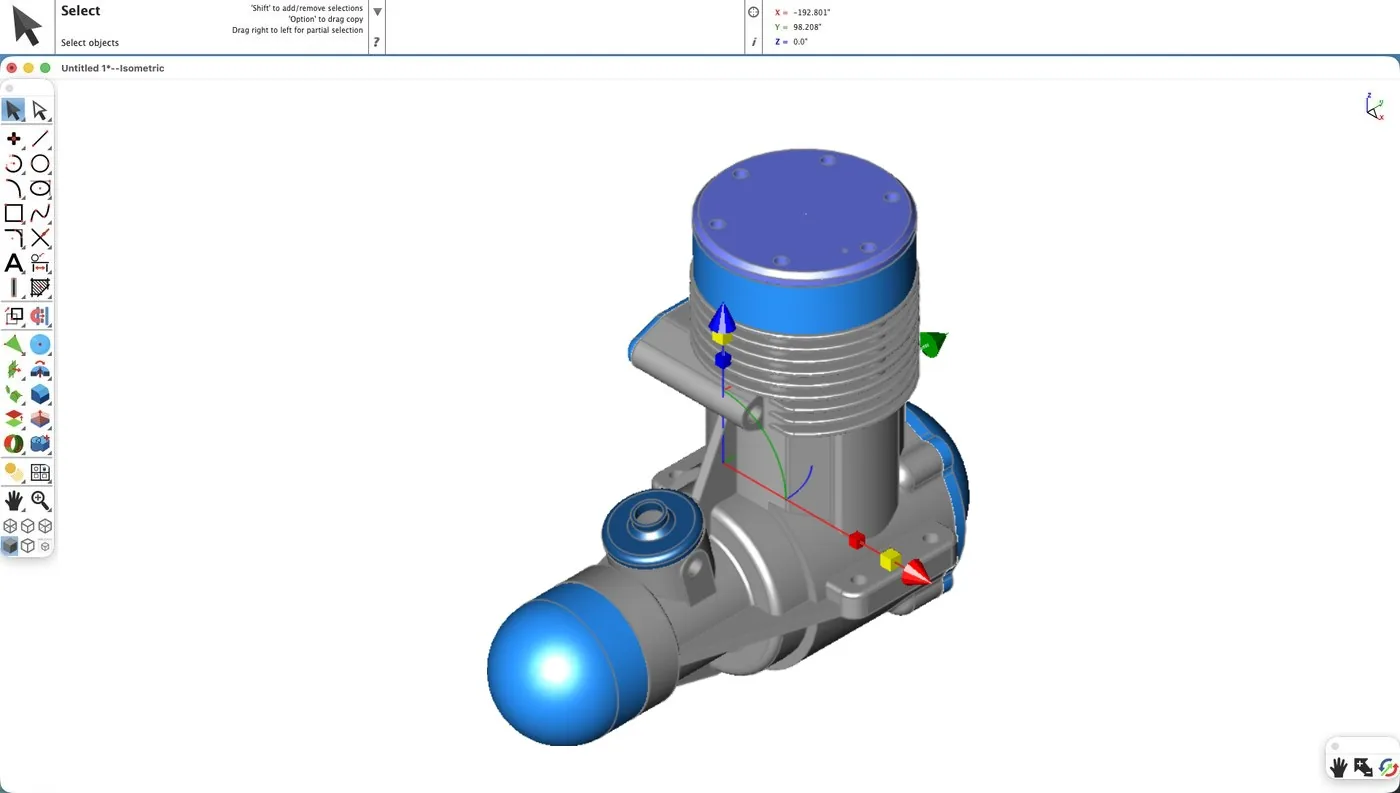
Native on Apple silicon
On Mac, version 18 runs natively on M1 or later with macOS 13.3 or later, released the same day as Windows. Intel Mac? Version 18.0.1 for Intel comes from Support after launch.
A failed save is reported, and the program keeps running. A short network problem no longer deactivates your licence. Version 18 keeps its own settings, so 17 and 18 run side by side.
File formats
Open it, share it, print it.
- 3D PDFexport
- 3D Studioimport · export
- 3MFimport · export
- ACIS SABimport · export
- ACIS SATimport · export
- Adobe Illustrator 8 (EPS)import · export
- Adobe Illustrator 9 (PDF)import
- Adobe PhotoShopimport
- BMPimport · export
- CGMexport
- DAEimport
- DWG/DXFimport · export
- EPSimport · export
- Facetimport · export
- FACTimport · export
- GIFimport · export
- Grid Surfaceimport
- JPGimport · export
- PDF 2Dimport · export
- PICTimport
- Plyimport
- PNGimport · export
- RAWexport
- SketchUpimport · export
- Splineimport
- STLimport · export
- SVGimport · export
- Textimport · export
- TIFFimport · export
- Truespace COBimport
- TurboCADimport · export
- VRMLexport
- Wavefront OBJimport · export
System requirements
Runs on
| OS | macOS 13.3 or later |
|---|---|
| Processor | Apple silicon (M1 or later). Intel Macs: version 18.0.1 for Intel, available after launch from Support or your customer account. |
| Memory | 8 GB (16 GB recommended) |
| Disk | 4 GB free (SSD recommended) |
| Input | Wheel mouse or 3Dconnexion SpaceMouse |
| Internet | For activation, updates and term licences |
| OS | Windows 10 or 11, 64-bit, WebView2 |
|---|---|
| Processor | Pentium IV / Athlon64-class or newer |
| Memory | 8 GB (16 GB recommended) |
| Disk | 3 GB free (SSD recommended) |
| Graphics | OpenGL / DirectX 9, 256 MB |
| Internet | For activation, updates and term licences |
Licensing
Plain-language licensing
Questions
Before you buy
How do I get my software?
Does one licence cover Windows and Mac?
What is the difference between owning it and a term licence?
I already have Copilot Help. Does it keep working?
What is your refund policy?
Goes well with