ViaCAD 18 Pro + PowerPack 2.0 + Training Guide
Pro with the 70+ tools and the training guide.
$749.99Save $49.99 · worth $799.98
View●ViaCAD 18 and SharkCAD 18 are here, for Windows and Mac with Apple silicon.

Try “SharkCAD Pro”, “upgrade” or “PowerPack”.

ViaCAD 18 Pro for Mac — 1-year term
Professional 3D CAD that packs a punch, without breaking the bank.
Upgrading? From $299.99 Compare editions
Overview
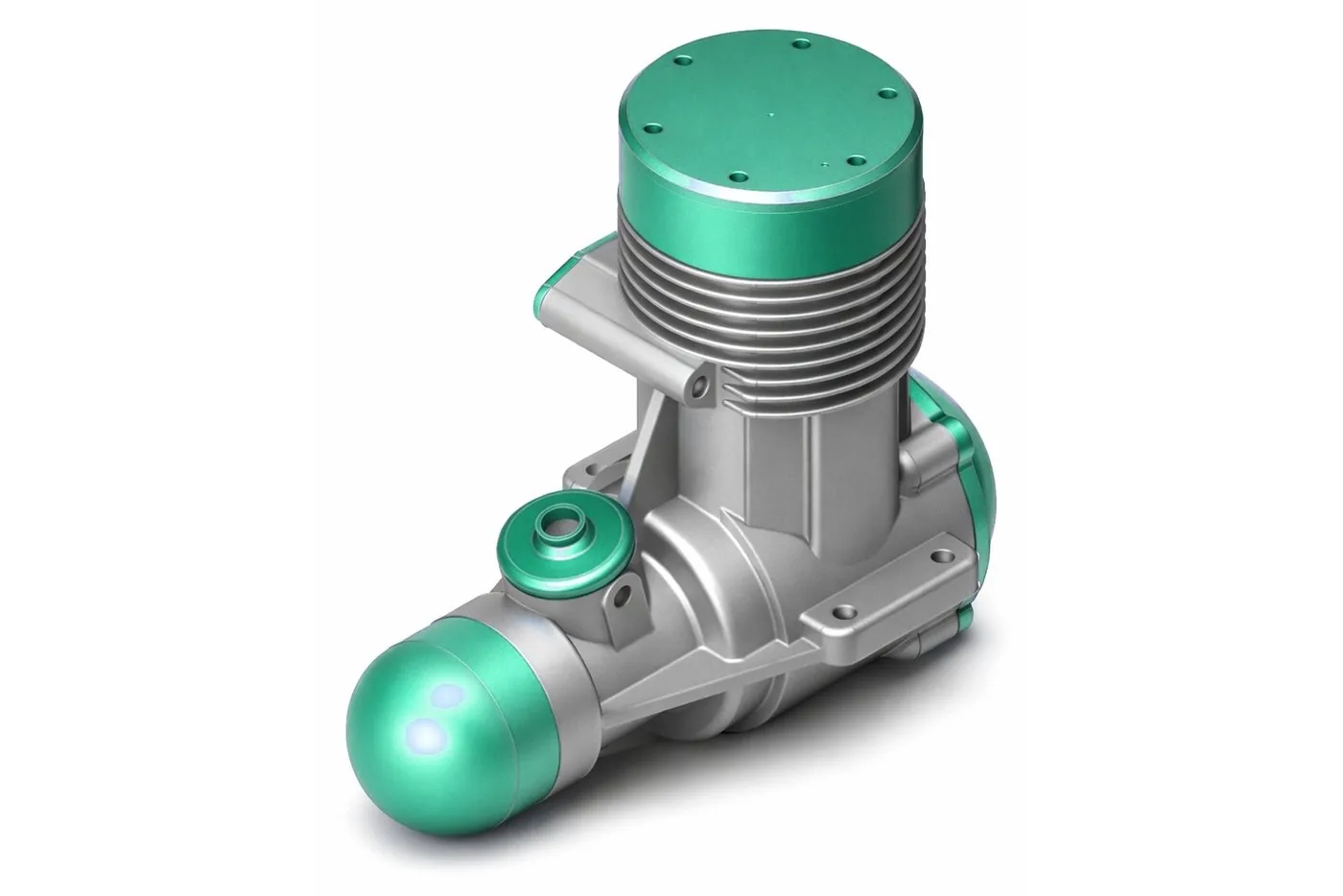
Designed with professionals in mind. ViaCAD Pro delivers the flexibility of mesh-based and solid modelling to take you from 3D concept to completion — prototyping, manufacturing, packaging, architecture and interiors — with easy switching between 2D and 3D views.
Made for

What this edition adds
Adds Geometric Dimensioning and Tolerancing symbols for manufacturing specs.
Annotate designs with comments, highlights, or revisions.
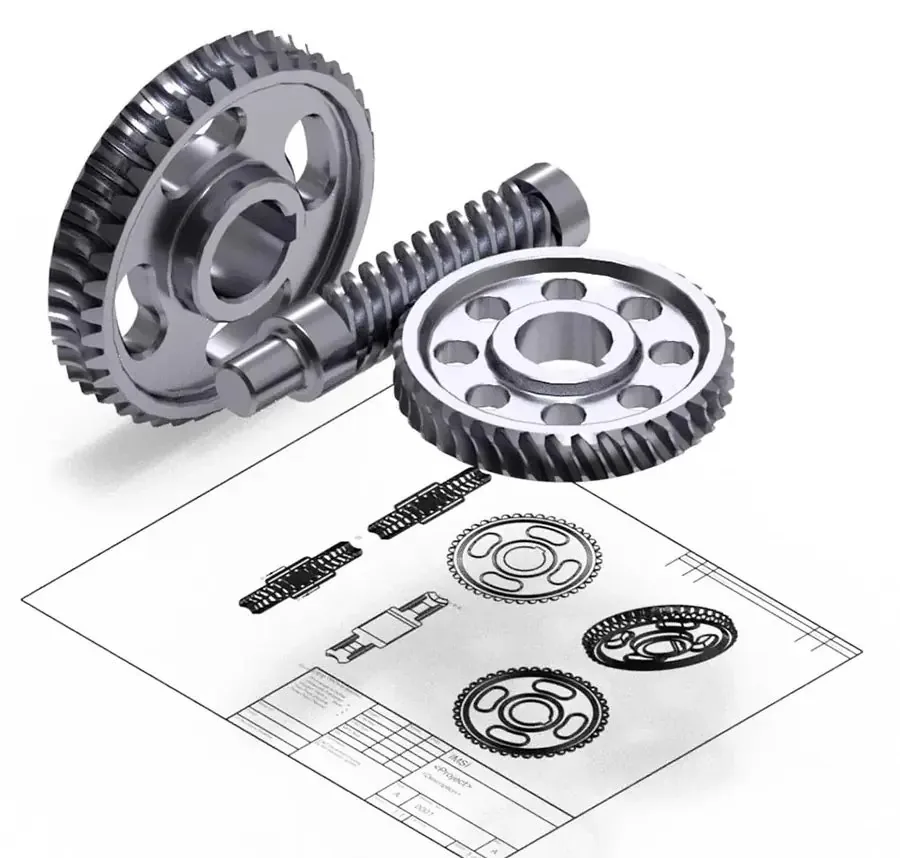
AI-powered parametric part generation for gears, screws, and threads with customizable mechanical specifications.
Automatically snaps to geometric points (endpoints, midpoints, etc.) for precision.
Hierarchical view of design components for easy navigation.
Creates a solid by sweeping any cross‑section along a selected centerline.
Complex surfacing (e.g., blends, offsets, fillets).
Smooth or refine edges after Boolean operations.
Warp or twist objects using lattice or freeform tools.
Add inset edges to quad meshes for detailing.
Pre-configured joints (dovetail, mortise, etc.).
Add embossed or engraved details to surfaces.
New in version 18

The new Welcome screen opens with a new drawing in inches or millimetres, templates, sample files, your recent files, what’s new in 18, tips and one-click links to learn more. Switch it off any time.

Version 18 shares the 3D modelling kernel of the latest TurboCAD, with updated STEP and IGES, SketchUp 2024 import, and 2D and 3D PDF export.
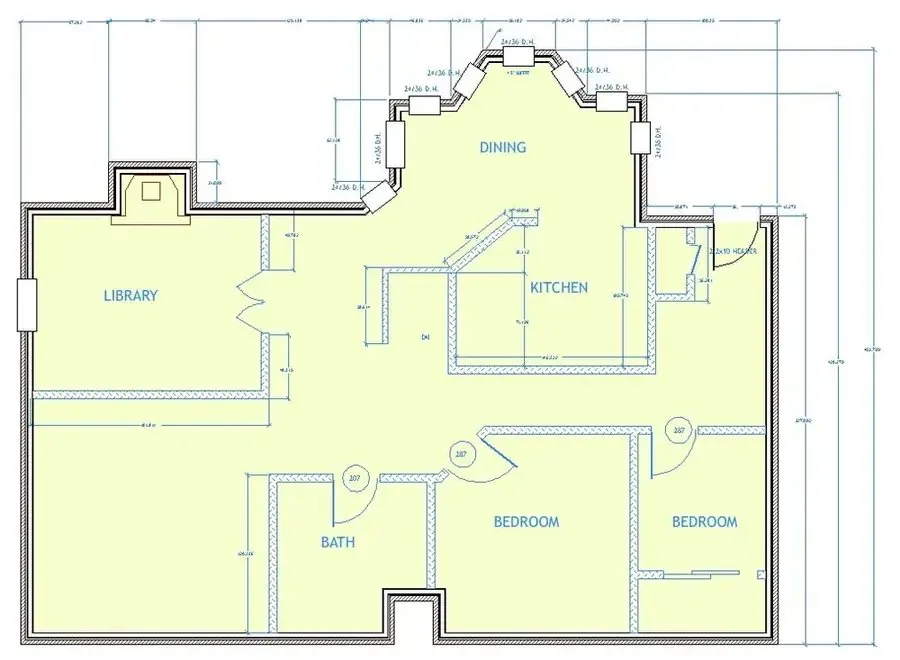
Open and save DWG and DXF on the same libraries as the latest TurboCAD. Drawings with text, dimensions and styles open as drawn, you choose the version you save, from R12 to R2018, and accented and non-Latin text comes through intact.

Photoreal rendering runs on an updated LuxCore render engine: physically based light, materials and shadows for presentation images of your designs.

The complete interface in English, German and French on Windows and Mac, and in Polish on Windows. Help and the user guide come in English, German and French.
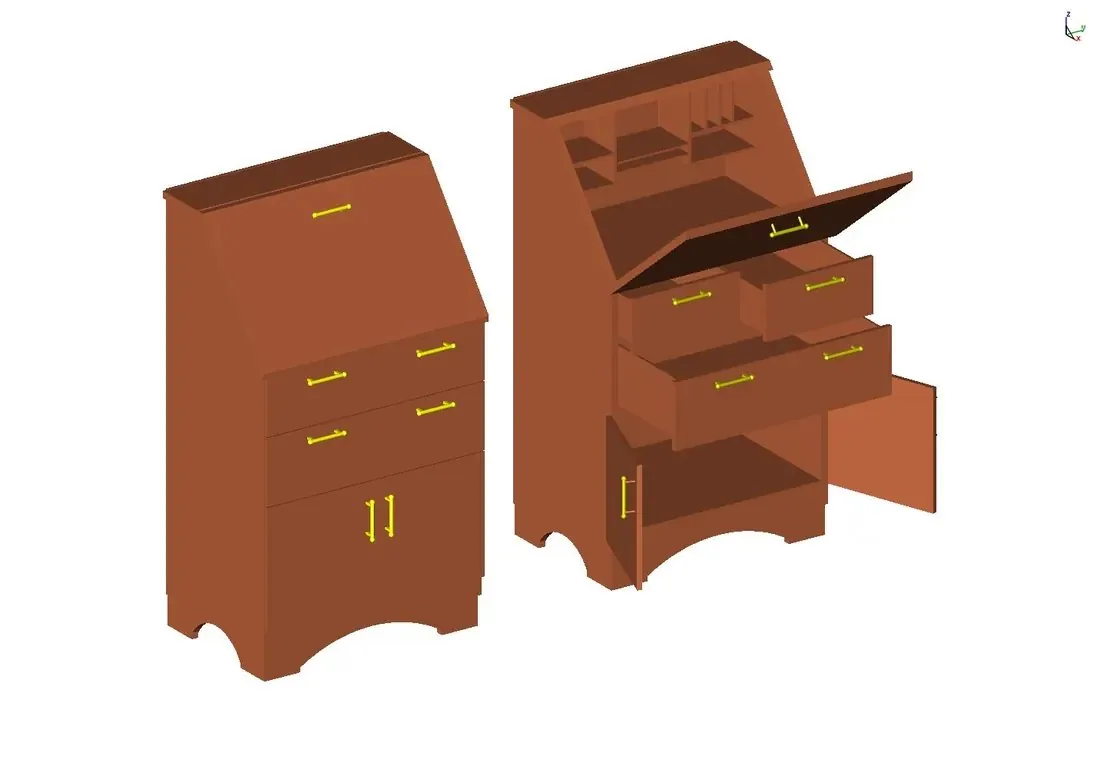
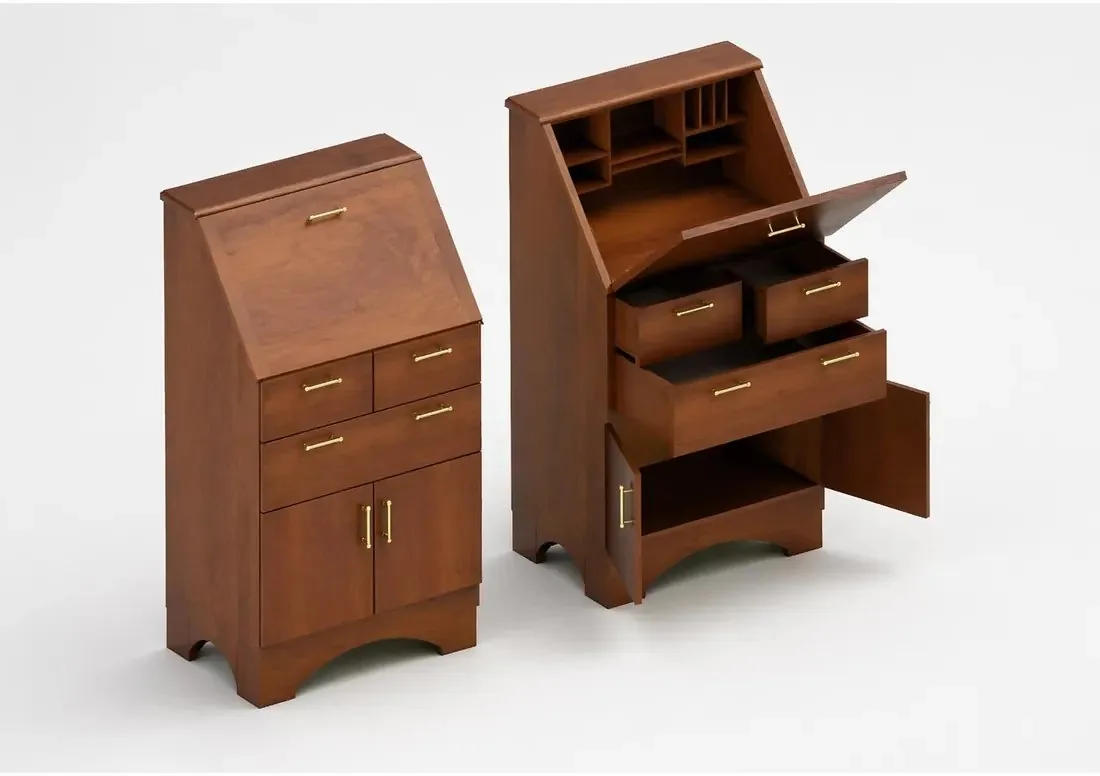
Ask how to use a tool and get the steps. With Copilot Professional, render any view with AI and find standard parts over a secure connection. Copilot Professional is an add-on, sold separately.
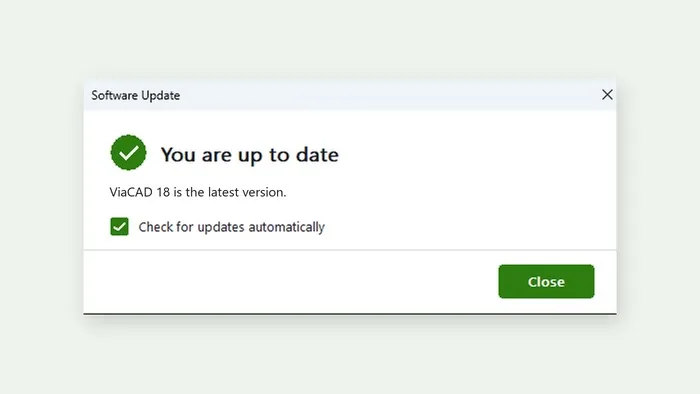
ViaCAD and SharkCAD check for updates on their own and tell you when a new version is ready, with what is new in it. Every update is signed and checked before it installs, your drawings and settings are kept, and on Windows a failed install puts your current version back.
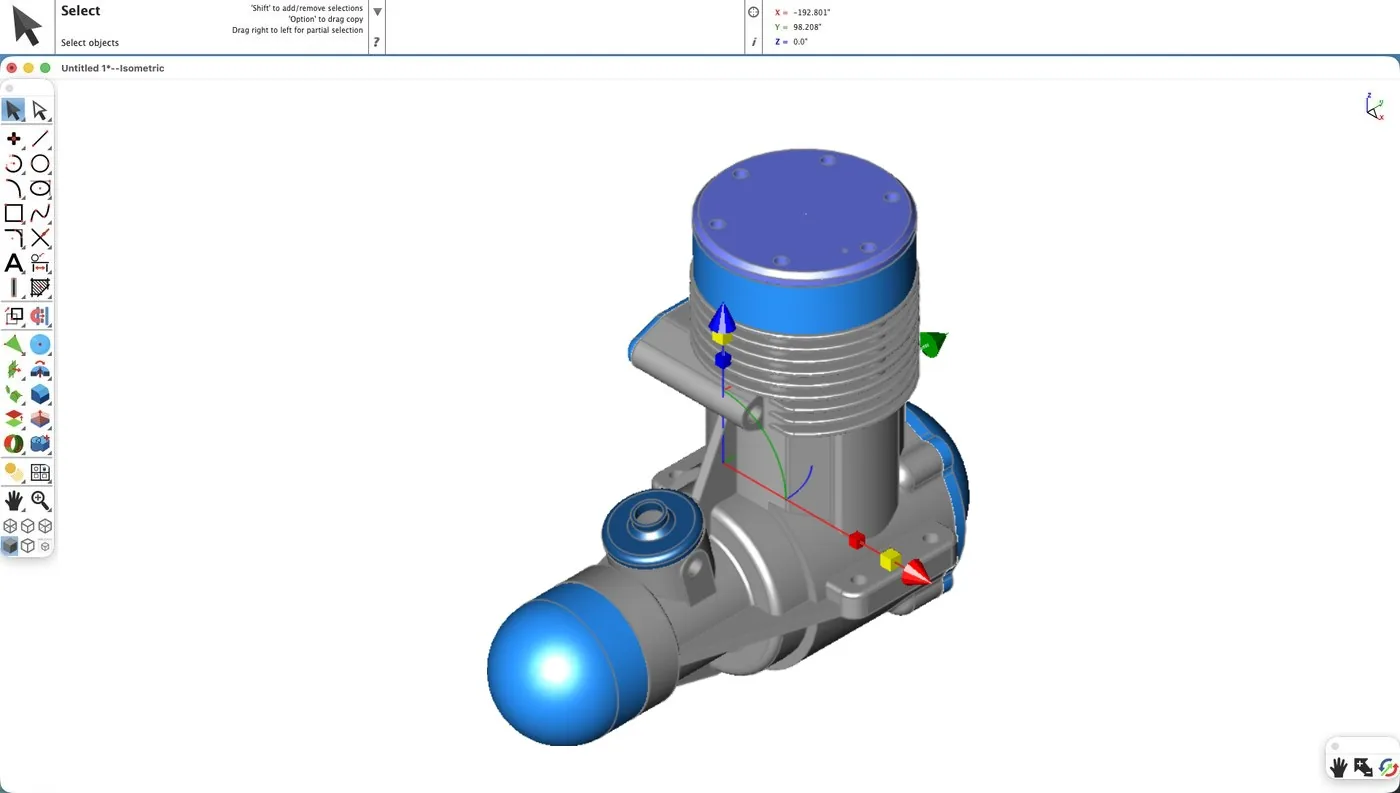
On Mac, version 18 runs natively on M1 or later with macOS 13.3 or later, released the same day as Windows. Intel Mac? Version 18.0.1 for Intel comes from Support after launch.
A failed save is reported, and the program keeps running. A short network problem no longer deactivates your licence. Version 18 keeps its own settings, so 17 and 18 run side by side.
File formats
System requirements
| OS | macOS 13.3 or later |
|---|---|
| Processor | Apple silicon (M1 or later). Intel Macs: version 18.0.1 for Intel, available after launch from Support or your customer account. |
| Memory | 8 GB (16 GB recommended) |
| Disk | 4 GB free (SSD recommended) |
| Input | Wheel mouse or 3Dconnexion SpaceMouse |
| Internet | For activation, updates and term licences |
| OS | Windows 10 or 11, 64-bit, WebView2 |
|---|---|
| Processor | Pentium IV / Athlon64-class or newer |
| Memory | 8 GB (16 GB recommended) |
| Disk | 3 GB free (SSD recommended) |
| Graphics | OpenGL / DirectX 9, 256 MB |
| Internet | For activation, updates and term licences |
Licensing
Questions
Goes well with
Pro with the 70+ tools and the training guide.
$749.99Save $49.99 · worth $799.98
View